ClassesEventsRetreatsMentorsStudios
← Help Center
Getting started
  • Welcome to MoveMentors
  • Create your account
  • Choose your account type
  • Logging in and resetting your password
  • Notification preferences
For students
  • Finding classes
  • Reading a mentor profile
  • Reading a studio profile
  • Booking a class
  • Payment methods
  • Bringing a group
  • Add-ons and equipment
  • Calendar sync
  • Cancelling and refunds
  • Leaving a review
  • Reporting a class
  • Disputing a booking
For mentors
  • Mentor overview
  • Onboarding walkthrough
  • Your public profile
  • Certifications
  • Locations
  • Your cancellation policy
  • Accepting payments
  • Stripe Connect setup
  • Creating a class
  • Schedules and recurring sessions
  • Pricing and add-ons
  • Managing bookings
  • Private session requests
  • Clients (CRM)
  • Financials and expenses
  • Connect Google Calendar, Apple Calendar, and Zoom
  • Co-listing with studios
  • Creating an event
  • Creating a retreat
  • Retreat installment payments
  • Promo codes and discounts
  • Class packs
  • Booking waitlists
  • Tipping
  • Online classes
  • Subscription plans
  • Collecting reviews
For studios
  • Studio overview
  • Studio onboarding walkthrough
  • Business profile
  • Multiple locations
  • Custom mentors
  • Inviting platform mentors
  • Embed widget
Payments
  • How payments work on MoveMentors
  • Stripe Connect explained
  • Manual payment methods
  • Refunds
  • Disputes and chargebacks
  • Tax forms and 1099
Subscriptions and billing
  • Mentor subscription tiers (Free, Pro, Premium)
  • Studio subscription tiers (Free, Pro, Premium)
  • Upgrading and downgrading
  • Billing and invoices
Trust and safety
  • Community guidelines
  • Reporting and moderation
  • Privacy and data
  • Deleting your account
Troubleshooting
  • I cannot log in
  • I did not get my confirmation email
  • Payment failed
  • Stripe Connect verification stuck
  • Calendar sync issues
  • Embed widget not loading
  • Mobile app issues
Advanced and integrations
  • The MCP server (connect AI assistants)
  • OAuth scopes
  • Embed widget advanced
  • The mobile app
Help CenterFor studentsFinding classes

Finding classes

How to search and browse classes by city, category, mentor, studio, distance, and time of day, with tips on filters that matter most.

StudentsUpdated 2026-05-18

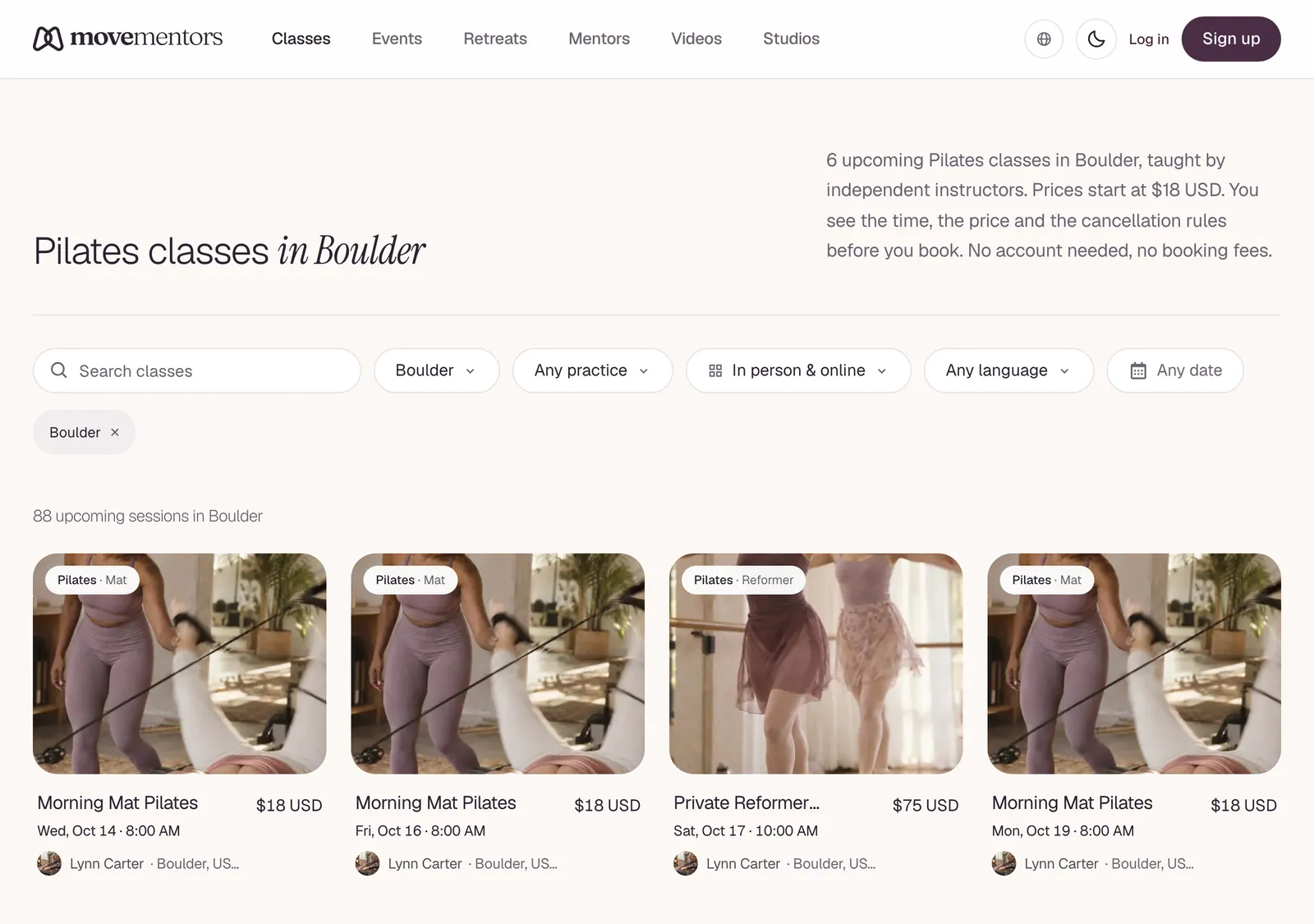
There are five entry points into class discovery on MoveMentors. Pick the one that matches what you know.

I know I want to take a class in a specific city

Go to the homepage and use the city search at the top. Type your city; MoveMentors uses Google Places autocomplete so any reasonably-sized city in the world will come up.

When you select a city, you land on /<city-country> (for example /berlin-de, /new-york-us). That page shows:

  • Every active mentor with at least one location in or near that city
  • Every active studio with at least one location in or near that city
  • A side filter for category, day of the week, time of day, and distance from a specific landmark

If the city has zero hosts yet, the page still loads with a "be the first to teach here" CTA. We do not 404 empty cities, because if you typed it, somebody else will too, and a mentor scrolling the directory might see the demand and onboard.

I know the category but not the city

Go to /classes for the global class directory, or /<category> for a curated landing page on a specific category. Examples:

  • /yoga
  • /pilates
  • /breathwork
  • /dance
  • /qigong

These landing pages are editorially written: they describe the category, what it is good for, how it typically goes, and FAQs we get about it. Below the editorial section is a sortable list of mentors and studios offering that category, grouped by city.

You can combine: /yoga plus a city filter narrows to "yoga in <city>", which is the URL /<city>/yoga.

I know the mentor's name

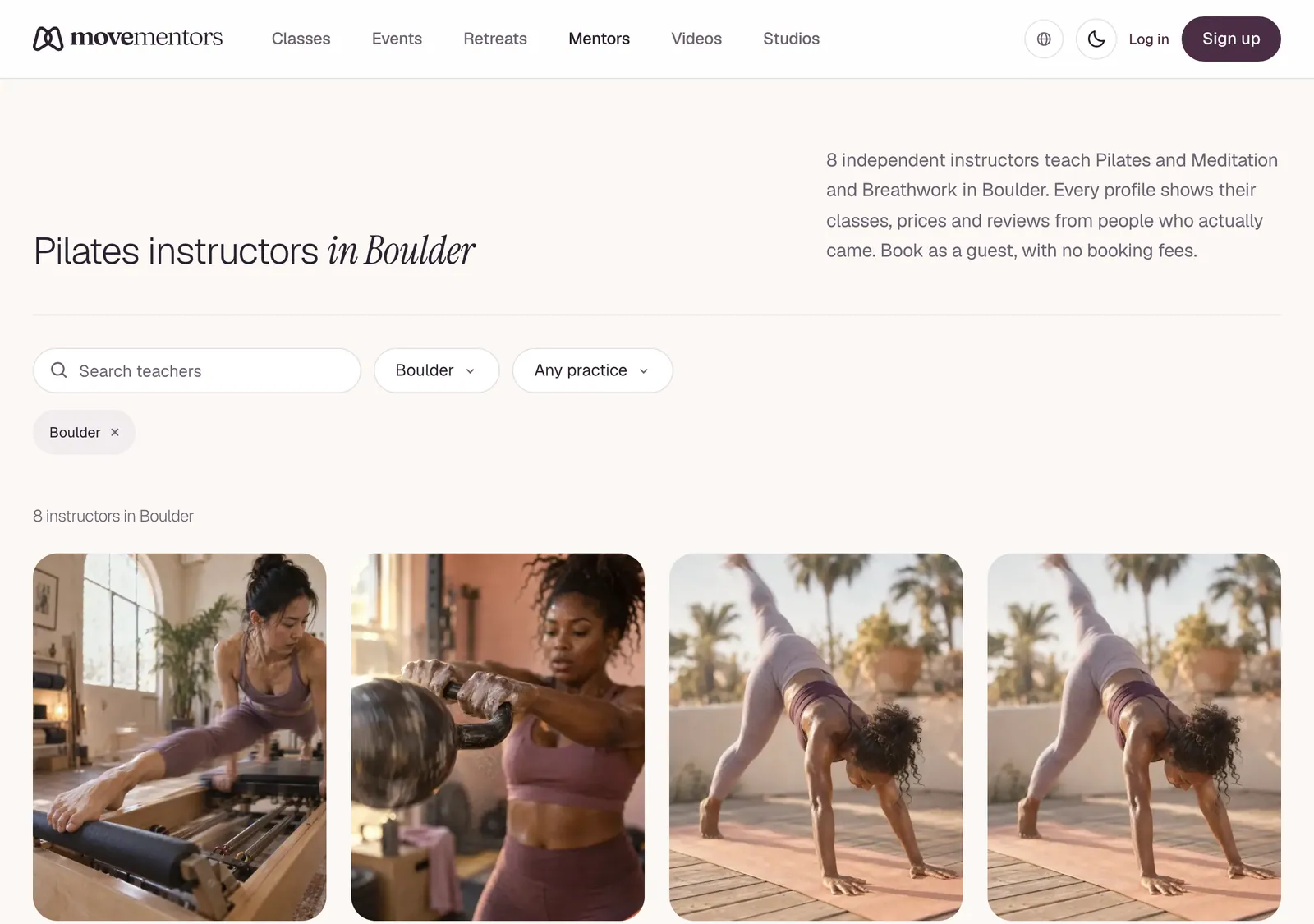
Go to /mentors for the global mentor directory. Search by name or city. Click through to their profile.

If you have a direct link from a friend, mentor profiles live at /<city>/<mentor-slug>. For example /berlin-de/sasha-king is Sasha King's profile in Berlin.

I know the studio's name

Go to /studios for the studio directory. Same shape as mentors, with logos in the cards.

Studio profiles live at /studios/<studio-slug>. Studios show their location(s), in-house mentors (both real platform mentors and custom-named teachers they credit), the full class roster, reviews, and a map.

I want to browse classes happening right now or soon

Go to /classes and sort by date ascending. The default sort is "starts soonest", so you will see today and tomorrow at the top.

You can also filter to "next 7 days", "weekends only", or "weekdays only" if you have a recurring availability window.

Filters that actually matter

MoveMentors has a long filter list because different students prioritise different things. The ones that most reliably narrow the result set:

Category

The single most useful filter. "Yoga" vs "Pilates" filters out half the directory. The category tree has parent categories (yoga, pilates, dance, mobility, etc.) and children (vinyasa yoga, mat pilates, contemporary dance, etc.). Picking a child narrows further.

Distance

Set your reference point (your current location, your home address, or an arbitrary landmark) and filter to classes within X km / miles. Distance is calculated as the straight-line distance from your reference to the class location's geocoded point. We do not factor traffic; assume real-world transit takes longer than the crow flies.

Time of day

Filter to "morning" (before 11am), "midday" (11am-2pm), "afternoon" (2pm-6pm), or "evening" (after 6pm). This is the second-most-used filter after category.

Price

A simple two-handle range. Most regular-tier classes fall between $15-40 USD; sound baths and workshops tend higher. The filter respects whatever currency the host uses; we convert on the fly using daily exchange rates so a filter of "under $30" works across mentors who price in euros, pesos, etc.

Accepts walk-ins / drop-ins

Some classes require booking in advance; some accept walk-ins as long as there is capacity. Filter to "accepts drop-ins" if you want a class you can show up to without committing in advance.

Sort order

By default the directory uses an opinionated relevance sort: combination of distance, recent activity (how recently the host taught a class), tier (Premium > Pro > Free, as a tiebreaker), and review score. Pure relevance, no paid placement.

You can switch to:

  • Starts soonest: classes ordered by next session date.
  • Price low to high.
  • Price high to low.
  • Newest: most recently created classes first. Useful for spotting new offerings in your area.
  • Rating: highest-rated hosts first.

The map view

Most directory pages have a map view toggle in the top-right. Switching to map renders an interactive Leaflet map (using OpenStreetMap tiles) with a pin for every class location. Pan and zoom; clicking a pin opens a card with the basic info and a "view details" link. The list view stays filtered to whatever is visible in the map viewport.

The map is great for "what's near me right now", less great for "what is happening today". Use list view for time-based browsing.

Saving classes for later

Logged-in students can favourite a class by tapping the heart icon on its card or detail page. Favourites live at /my-favourites. We do not send notifications when a favourited class's schedule changes; favourites are a list of bookmarks, not a watchlist. Email support if you want to suggest adding watchlist behaviour.

Common questions

Why does my city show no results? Either no mentor or studio has set up there yet, or the mentors that do are on the free tier without much visibility. If you know a local teacher who should be on MoveMentors, point them at our mentor landing page.

Can I see online classes? No. MoveMentors is an in-person platform only. If you are looking for online classes, we are not the right fit.

Why does distance show as the crow flies? Because computing real travel distance requires routing per request which is expensive at directory scale. We may revisit if it becomes a frequent complaint.

The map shows classes outside my filter range. The map pins do not re-filter to your distance filter when you toggle to map view. Use the list view if precise distance filtering matters.

Next steps

  • Found a profile you like? Read Reading a mentor profile or Reading a studio profile so you know what to look at.
  • Ready to book? Jump to Booking a class.

Related articles

  • Reading a mentor profile

    What every section of a mentor's public profile means, how to evaluate certifications and reviews, and how to spot the signals that matter before booking.

  • Reading a studio profile

    What every section of a studio's public profile means, how to find which teacher is teaching a specific class, and what the in-house mentor list tells you.

  • Booking a class

    Step-by-step walkthrough of booking a class from the class detail page, including payment, confirmation, and what to do if a booking fails.

Still stuck?

Send a note to support@movementors.com and we will get back within one business day. Include screenshots if you can — they speed things up dramatically.

Email support

Every kind of movement, taught by mentors who live the practice. Book private sessions or join a group class near you.

Explore

  • Classes
  • Events
  • Retreats
  • Mentors
  • Studios

Practices

  • Yoga
  • Pilates
  • Barre
  • Meditation and Breathwork
  • Mind-Body Movement
  • Fitness and Strength
  • Cardio and Conditioning
  • Combat Sports

For Mentors

  • For Mentors
  • For Studios
  • Become a Mentor
  • Launch your studio
  • Help Center

Company

  • About
  • Press
  • Partnerships
  • Contact Us
  • AI agents (MCP)

© 2026 MoveMentors. All rights reserved.

Terms of Service·Privacy Policy