Private sessions let a client book a one-to-one with you at a time you have opened, without you creating a class for it. You set the prices and the hours once. After that clients book themselves and you get an email.
Set it up
Everything is on one page: Private sessions in your dashboard.
- Lengths and prices. Switch on the lengths you offer (30, 60, 90 or 120 minutes) and type a price for each. Use 0 for a free session, such as a first meeting.
- Your weekly hours. Switch on the days you are free and set the hours. A day can have more than one block: mornings 9:00 to 12:00 and afternoons 4:00 to 7:00, with nothing offered in between.
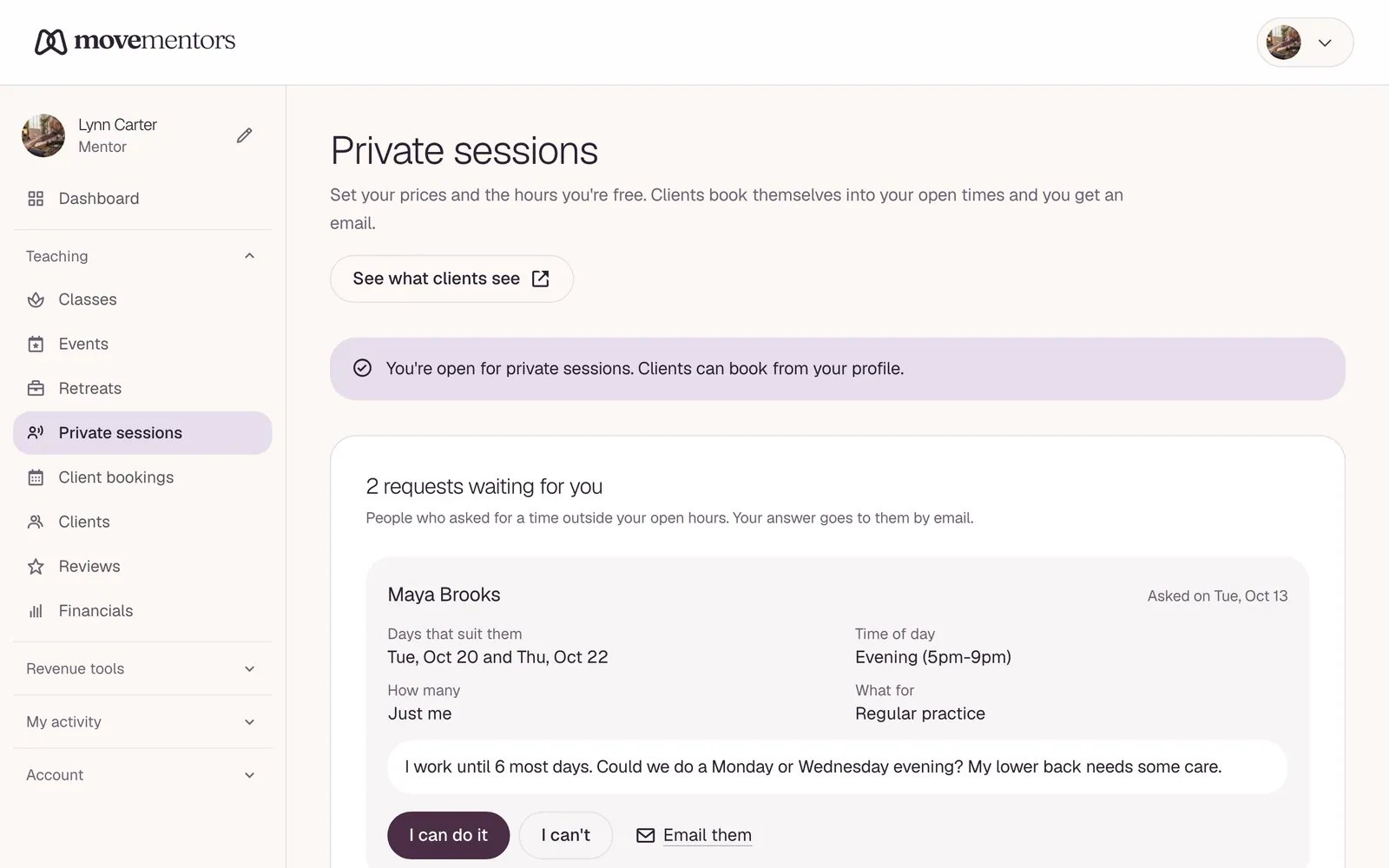
- Select Save changes. The line at the top of the page turns to "You're open for private sessions", and a Book a private session section appears on your public profile.
If you teach in more than one place, pick the place first. Prices and hours are kept per place.
What clients can book
Sessions start on the hour or half hour. These are taken out for you, so you are never double booked:
- your classes and anything else already booked, in any place you teach
- time off you add on the same page, for a holiday, an appointment or a day for yourself
- busy times from a Google or Apple calendar you connected under Calendar connections
- anything less than 12 hours away, so nobody surprises you the same morning, and anything more than 30 days away
What clients see right now at the bottom of the page shows the number of open times and the next days with room, read from your live profile. See what clients see opens your profile.
When someone books
The booking is confirmed straight away. There is nothing for you to approve: you opened that time. You get an email with the client's name, the time, the length, the place, how they chose to pay and any note they left ("tight hamstrings, new to the reformer"). The session shows under Coming up on the private sessions page, in Client bookings and on your calendar.
Getting paid
Clients pay you directly, with one of the ways to pay you set up under Settings, Payments: cash, bank transfer, Venmo, Zelle, PayPal and so on. They choose one while booking and get the details in their confirmation. If you have set up none, they are told you will let them know, so it is worth adding at least one. You keep all of it.
A client who holds one of your class packs books with a pack credit instead, and nothing is owed. Paying by card online is not available for private sessions yet.
Moving and cancelling
A client can cancel from their booking page or the link in their email. Your cancellation policy applies, the same one your classes use: with the flexible policy, cancelling is free up to 24 hours before. A cancelled session's time opens up again for someone else. You can cancel a session yourself from Client bookings; the client is emailed.
When no time fits
Under your open times clients see "None of these times work? Ask for another time". That sends you a request with the days that suit them. See Private session requests.
Teaching at a studio
If the room belongs to a studio, the studio owner switches private booking on for that room first. Until then the page tells you the room is not open yet. At your own places you can always offer private sessions.
Weekly class limit
Free mentor and studio accounts include 1 scheduled session per week, from Monday to Sunday in the account timezone (UTC if none is set). Each group class, private lesson or event date counts separately across all classes and locations, including dates in drafts. Recurring schedules can run once per week on Free. Cancelled sessions do not count. Bookings within a session are unlimited. Upgrade to Pro or Premium to schedule more than 1 session in a week. Existing scheduled sessions and bookings stay in place after a downgrade; adding more sessions requires an upgrade.