Start at the top of this list and work down. Most login problems have one of these causes.
1. Wrong email or password
The most common. Double-check:
- The email you typed. Is it the one you signed up with? Many people have more than one email address and forget which they used. For your security, the login page never says whether an email has an account.
- The password. Passwords are case-sensitive. Watch for caps lock.
If both are wrong, or the email has no account, you see "Invalid email or password". If you're sure you have an account, try your other email addresses: people often sign up with a work email and forget.
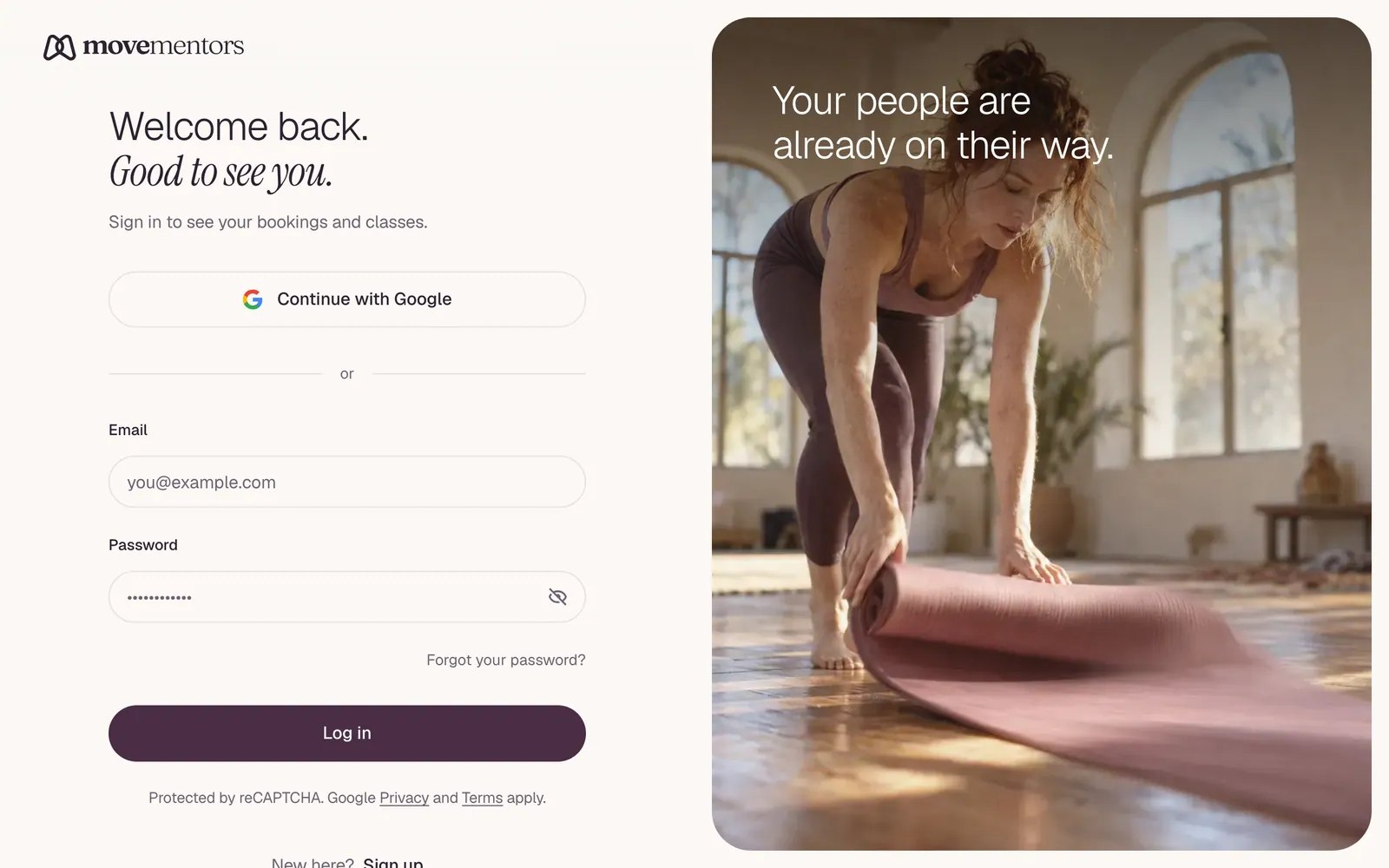
2. You signed up with Google
If you created your account with Log in with Google, you may not have a password at all. Typing an email and password then shows "Invalid email or password". Click Log in with Google instead.
A password reset won't help here: if your account has no password, no reset email is sent.
3. You forgot your password
On the login page, click Forgot password?, enter your email and click Send reset link. The link in the email works once and expires after one hour. See logging in and resetting your password.
4. Two-factor code not accepted
If you turned on two-factor authentication, you enter a code from your authenticator app after your password. If you see "That code didn't match. Try a fresh code or a backup code.":
- Enter the code showing right now. Codes change every 30 seconds.
- Check the time on your phone is set automatically. A phone clock that's a few minutes off produces wrong codes.
- Lost your phone? Use one of the backup codes you saved when you set it up. Each works once.
No phone and no backup codes? Email support@movementors.com from your account's email address.
5. Email not confirmed
When you sign up with an email and password, we email you a 6-digit code. You can log in before you enter it, but your bookings, dashboard and settings send you to Confirm your email until you do.
To fix:
- Find the email "Confirm your MoveMentors email" (check spam too).
- Enter the 6-digit code.
- If the code expired (after 24 hours) or you can't find the email, click Resend for a new one.
Still no email? See I did not get my confirmation email.
If you try Log in with Google with an email whose password account was never confirmed, you see "An account with this email was started with a password but never confirmed." Reset the password with Forgot password?; after that you can log in either way.
6. A browser extension or setting is blocking the login
The login page needs a few things to work in your browser:
- JavaScript turned on.
- Cookies allowed for movementors.com.
- The security check that runs in the background when you log in, which some privacy extensions block. When it's blocked, you also see "Invalid email or password", even with the right details.
Common culprits are ad and tracker blockers, privacy extensions and some VPN extensions.
Test:
- Open a private or incognito window.
- Try logging in.
- If it works, an extension is the issue. Turn your extensions off one at a time in your normal window until you find it.
7. The page just reloads without an error
The login cookie isn't being saved. Common reasons:
- Your browser is set to block all cookies. Allow them for movementors.com.
- You're on an old copy of the page. Hard-refresh it (Ctrl+Shift+R on Windows, Cmd+Shift+R on Mac).
- A work network or proxy is interfering. Try from your phone's mobile data or another network.
8. More than one account
One email address can only have one MoveMentors account. If you think you have two accounts on different emails, email support with both addresses and we'll help sort it out.
Still stuck
Email support@movementors.com with:
- The email you're trying to log in with.
- What happens (the exact message, or "the page just reloads").
- A screenshot if you can.
- Which browser and device you're using.
Never send us your password.
Next steps
- Logging in and resetting your password: the normal flow.
- I did not get my confirmation email: for email problems.