Reviews on your profile help new students decide to book with you. MoveMentors asks your clients for them automatically, so you don't have to chase anyone.
How the flow works
- The class ends. About 2 hours after the end time, any confirmed booking you haven't marked is marked completed. If someone didn't come, mark them No show before then.
- At least a day later, clients with a MoveMentors account get a short email asking for a review, in the language they use on MoveMentors.
- They click through to a simple form: a rating from 1 to 5 stars and an optional comment of up to 1,000 characters. One submit and they're done.
- You get notified on MoveMentors, and by email unless you've turned off New Reviews in your notification preferences.
The once-per-teacher rule
A client who has already reviewed you isn't asked again, however many more of your classes they take. That keeps reviews honest (one opinion per client) and saves your regulars from a review request every week.
What clients see on the site
Besides the email, the top of the client's /bookings page lists completed classes waiting for their review, each with a Leave a review button. The same once-per-teacher rule applies there, so a teacher they've already reviewed doesn't show up.
Languages
The request email goes out in the client's language on MoveMentors: English, Spanish, Portuguese, German, French, Italian or Dutch. The review form is translated too.
When no request is sent
- The booking wasn't completed: it was cancelled, marked as a no-show, or never confirmed.
- The client booked as a guest, without an account.
- The client turned off Session Reminders emails in their notification preferences. The list on their bookings page still shows.
- The client has already reviewed you, or was already asked about that booking.
Replying to a review
Open /mentor/reviews, click Respond on a review, write your reply (up to 1,000 characters) and click Post response. Your reply shows under the review on your public profile. Keep it short and gracious: visitors read the exchange as a sign of how you handle feedback.
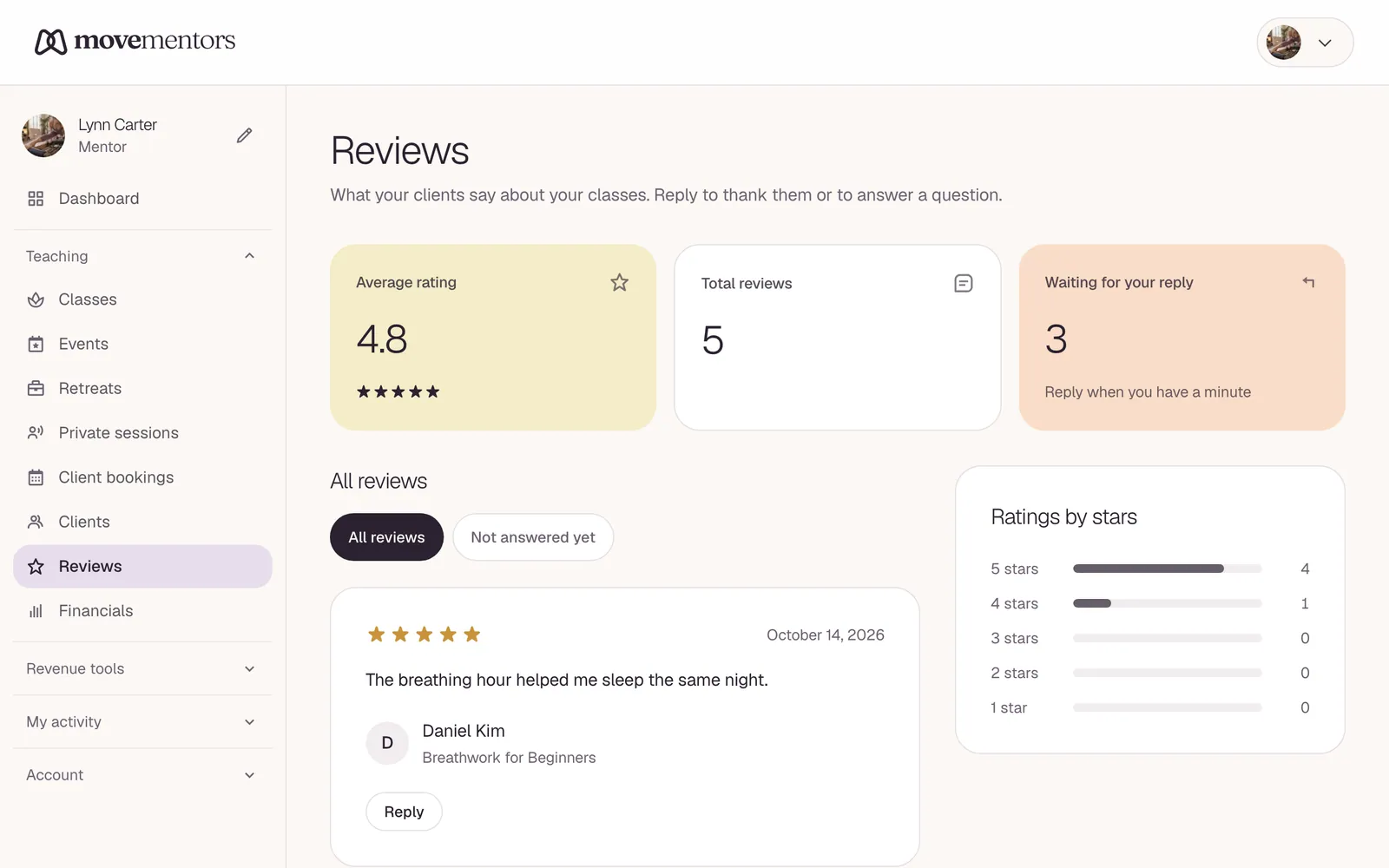
Where reviews show up
- Your public profile: your average rating and your reviews.
- Your mentor card in the directory and elsewhere on the site: your average rating.