Logging in
Go to /login. Enter the email and password you registered with and click Log in. If you signed up with Google, click Log in with Google instead.
After you log in, you go back to the page you were trying to open, or to the home page. Mentors and studios who haven't finished setting up their profile are taken back to their setup steps when they open their dashboard.
You stay logged in for 30 days from your last visit. Each visit extends it. Go a full month without using MoveMentors and you'll need to log in again.
Your session is kept in a secure cookie that other websites can't read. We don't store login tokens anywhere else in your browser.
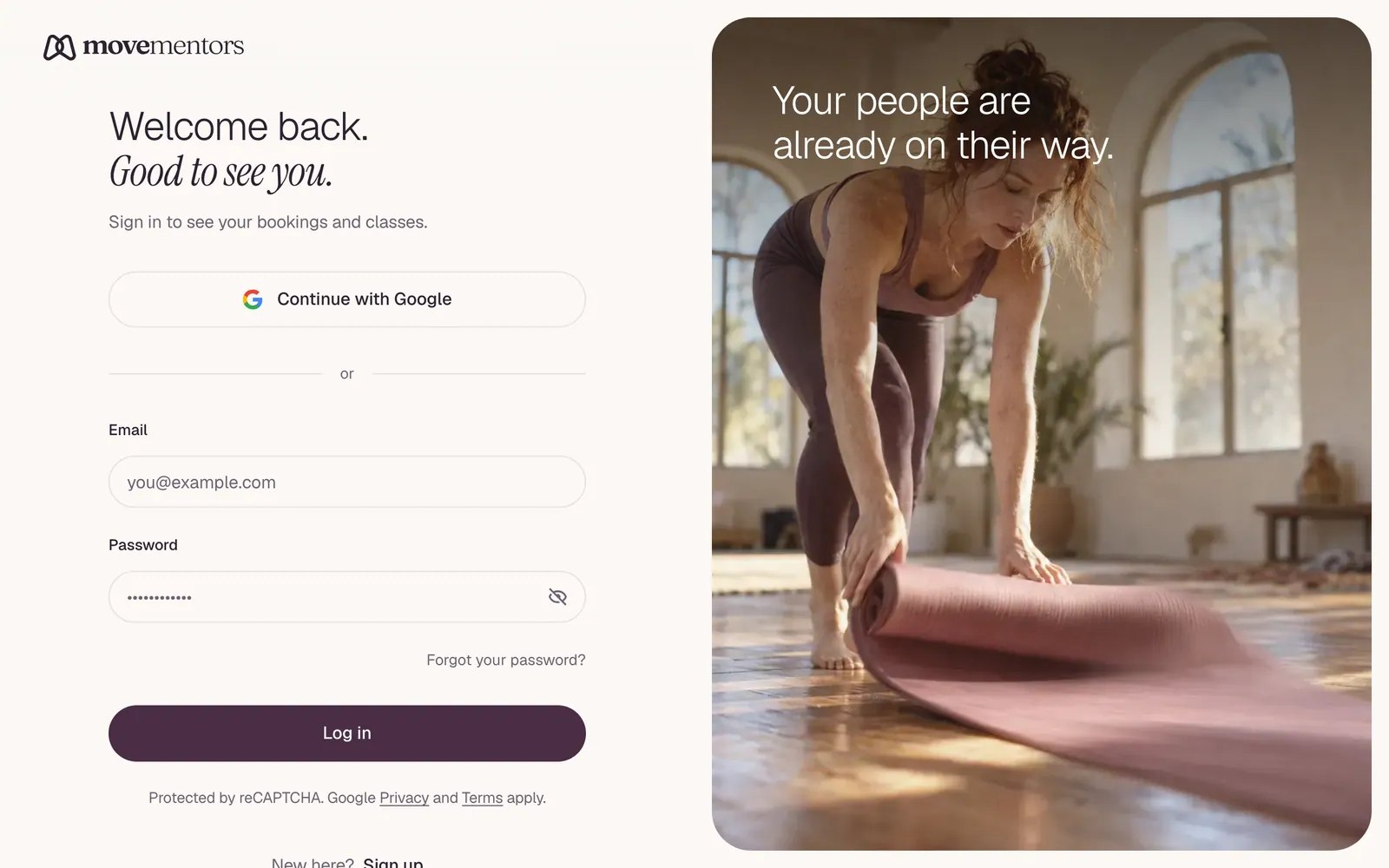
Forgot your password
Open the reset page
On the login page, click Forgot password?.
Enter your email
Type the email you registered with and click Send reset link. For your security, the page says the same thing whether or not an account exists for that email.
Open the email
Look for "Reset your MoveMentors password" in your inbox (and your spam folder). The link in it works once and expires after one hour.
Choose a new password
Enter your new password twice. It needs at least 8 characters. Click Update password, then log in with it.
If you signed up with Google and never set a password, there's no password to reset and no email is sent. Use Log in with Google.
Beware phishing
We will never message you on social media to "verify your account" or ask for your password. Anyone asking is not us. Password reset emails only arrive after you ask for one on the MoveMentors website.
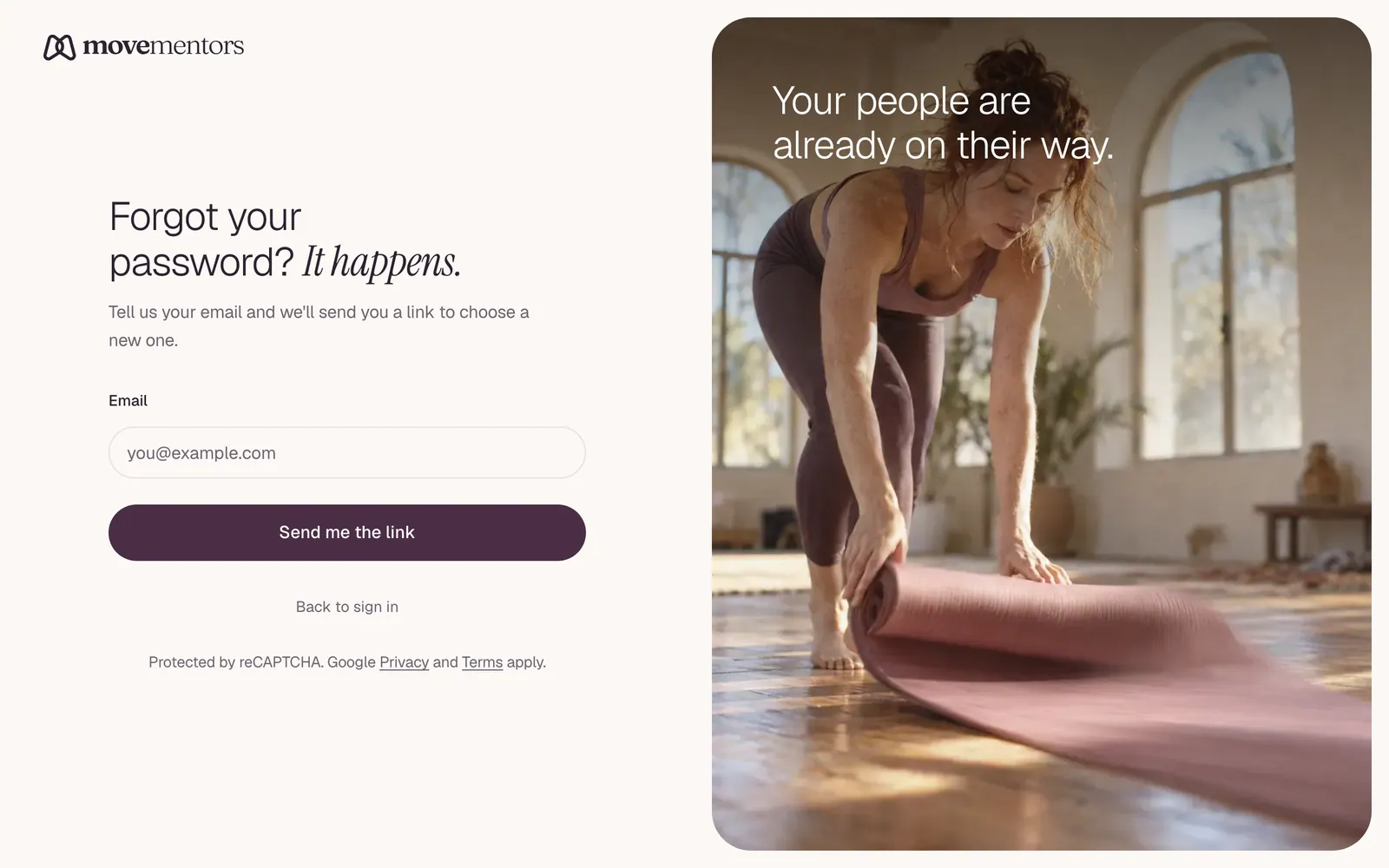
Changing your password
There's no change-password screen in your settings. To change your password, go to /forgot-password (the page Forgot password? opens) and follow the steps above. This works while you're logged in too.
Resetting your password doesn't sign you out of browsers or phones where you're already logged in.
Logging out
Open your user menu and choose Sign Out (Log out in the mobile menu). This removes your session from that browser.
There's no button to sign out of every device at once. If you think someone else knows your password, reset it straight away, turn on two-factor authentication, and email support@movementors.com.
Two-factor authentication
Two-factor authentication adds a second step when you log in: a 6-digit code from an authenticator app on your phone, such as Google Authenticator, 1Password or Authy.
To turn it on, go to Security in your settings (/settings/security) and click Set up two-factor authentication. Scan the QR code with your app, enter the code it shows, and save your backup codes somewhere safe. Each backup code works once, if you ever lose your phone.
When it's on, you log in with your password as usual, then enter the code from your app on the Enter your two-factor code screen.
It's strongly recommended if you're a host who takes payments.
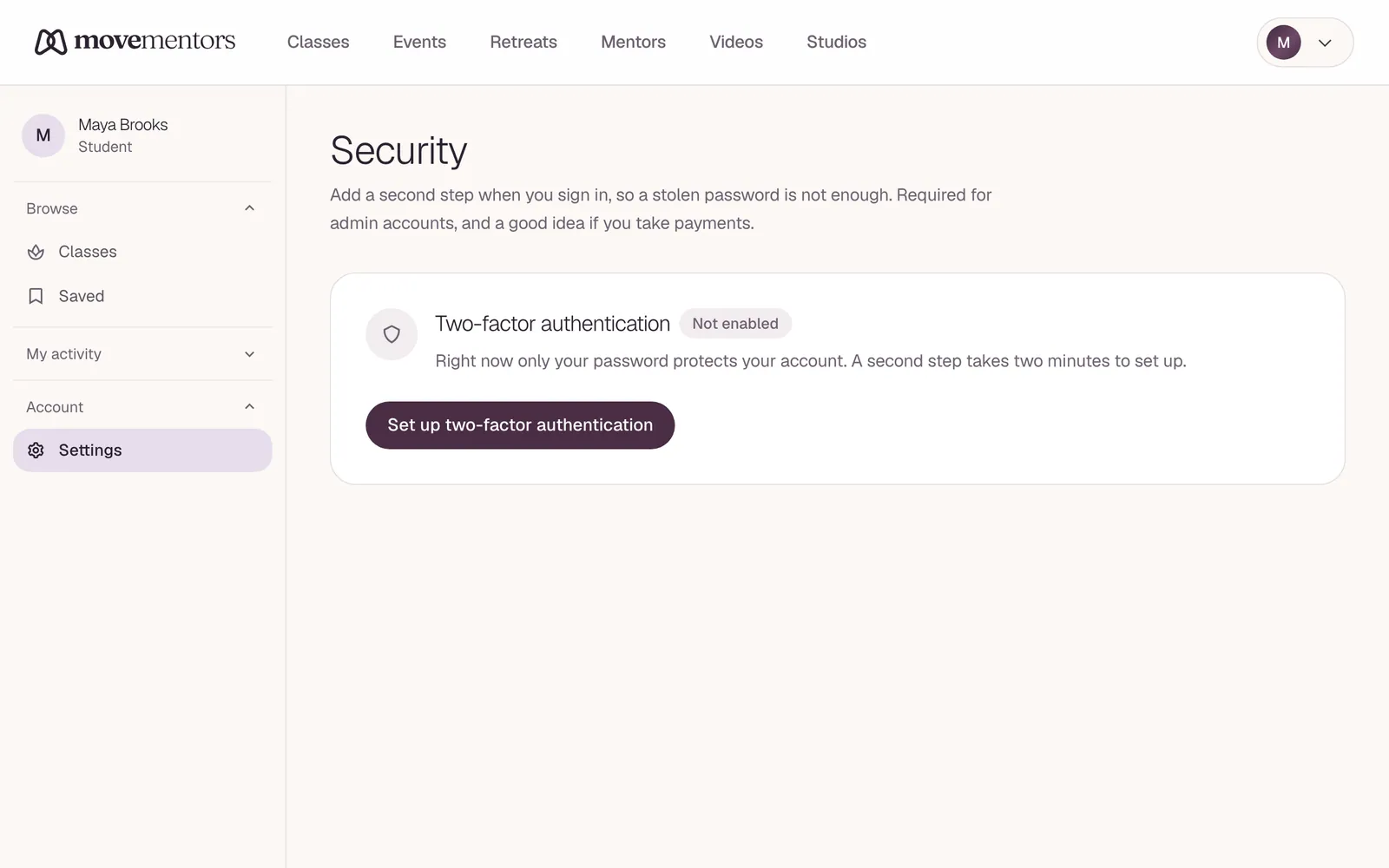
Security tips
- Use a password manager. A long, random password from a password manager is much safer than one you make up.
- Do not reuse passwords. If another site you used the same password on gets breached, attackers will try it here.
- Turn on two-factor authentication. A stolen password alone then isn't enough to get into your account.
Common login errors
"Invalid email or password" The email or the password is wrong. We don't say which, so nobody can use the login page to find out who has an account. Check you're using the email you registered with. You also see this message if you signed up with Google and try to log in with a password: use Log in with Google instead.
"That code didn't match. Try a fresh code or a backup code." The two-factor code was wrong or had expired. Codes change every 30 seconds, so enter the one showing right now, or use one of your backup codes.
"Confirm your email" You logged in but haven't confirmed your email yet. Enter the 6-digit code we emailed you when you signed up. If it expired or you can't find it, click Resend for a new one.
"An account with this email was started with a password but never confirmed." You tried Log in with Google with an email that was used to start a password account that was never confirmed. Reset the password with Forgot password?; after that you can use either way to log in.
The page just reloads without an error Most commonly a browser extension is blocking the login cookie. Try in a private window. If it works there, turn your extensions off one by one in a normal window to find the culprit.
Next steps
- Make sure your account is set up the way you want it. See notification preferences.
- Still cannot log in after trying everything? See I cannot log in for a fuller diagnostic.