Límite semanal de clases
Las cuentas gratuitas de profesores y estudios incluyen 1 sesión programada por semana, de lunes a domingo en la zona horaria de la cuenta (UTC si no se ha definido). Cada clase grupal, sesión privada o fecha de evento cuenta por separado entre todas las clases y ubicaciones, incluidas las fechas en borradores. Los horarios recurrentes pueden tener una sesión por semana en Gratis. Las sesiones canceladas no cuentan. Las reservas dentro de una sesión son ilimitadas. Cambia a Pro o Premium para programar más de 1 sesión en una semana. Las sesiones y reservas existentes se conservan al bajar de plan; añadir más sesiones requiere una mejora.
Si das la misma clase una y otra vez, no tienes que rehacerla desde cero. Duplicar copia toda la configuración de la clase en un clic, así que solo necesitas añadir fechas nuevas.
Qué se copia
Al duplicar se traslada todo lo que define la clase:
- El título (con "(copia)" añadido para que puedas distinguirlas), la descripción y la imagen de portada
- El precio y el modelo de precios, incluida la configuración de paga lo que puedas
- El aforo, la duración, los idiomas, el equipo y lo que incluye
- El tipo de clase, los extras (alquiler de esterilla, accesorios) y los niveles de descuento por reserva anticipada
- El álbum de fotos y el vídeo, la configuración de métodos de pago y la configuración de lista de espera
La copia siempre se crea como borrador para que puedas revisarla antes de publicarla.
Qué no se copia
- Las fechas. La copia empieza sin sesiones en el calendario, así que eliges fechas nuevas. Es a propósito: evita que fechas antiguas se hagan públicas por accidente.
- Las reservas y los asistentes. Una copia es una clase nueva, todavía sin estudiantes.
- Las invitaciones a co-enseñar. Si la original acreditaba a un co-anfitrión o co-propietario, vuelves a añadirlos en la copia para que nadie reciba una invitación por sorpresa.
Cómo duplicar
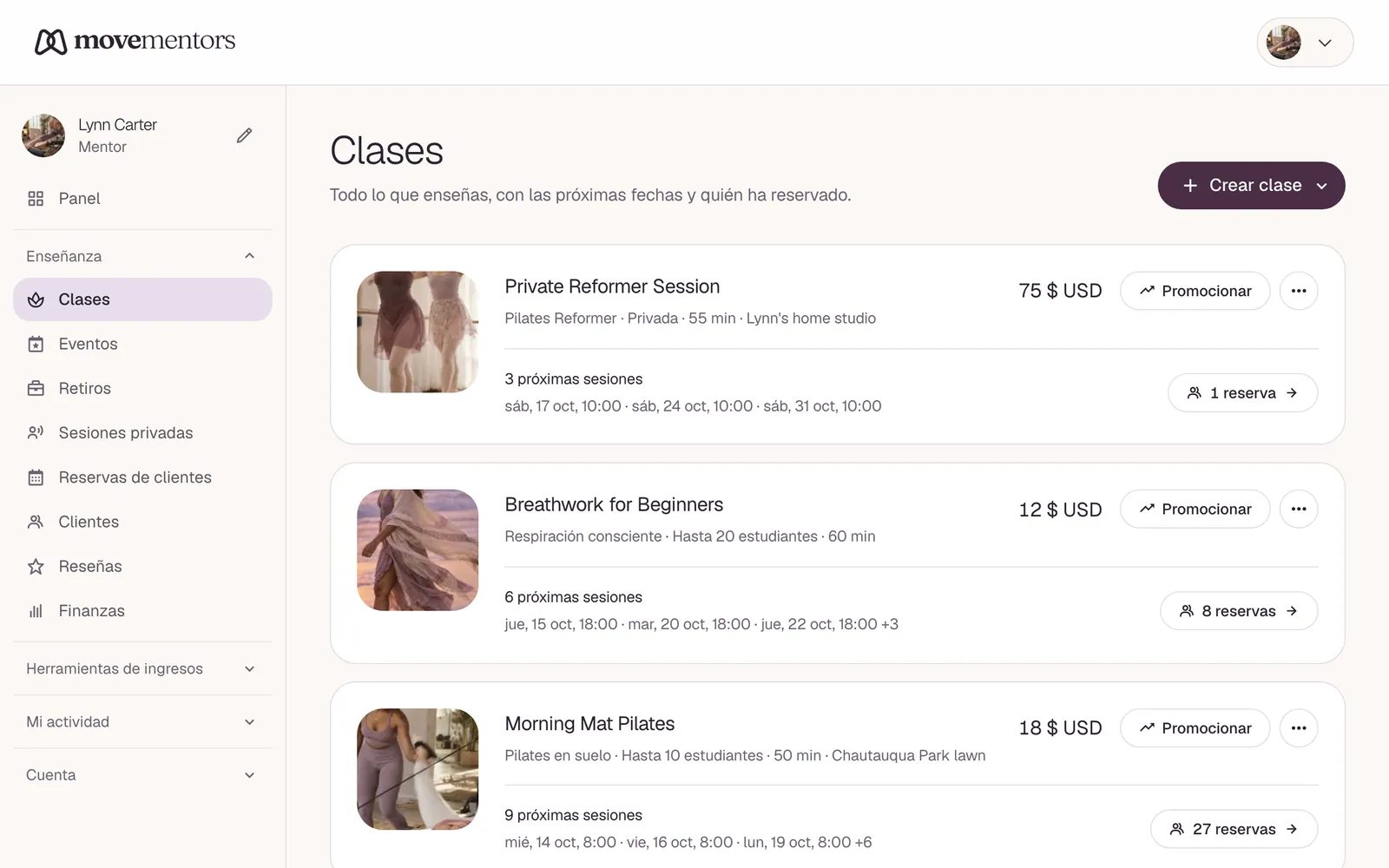
- Ve a Mis clases.
- En la clase que quieras copiar, abre el menú de tres puntos y elige Duplicar.
- Llegas al nuevo borrador. Revisa los detalles, añade tus fechas en la página de Horario y publica cuando esté listo.
Para publicar sigues necesitando una imagen de portada y al menos una sesión próxima, así que el borrador se mantiene privado hasta que esté realmente listo para reservar.